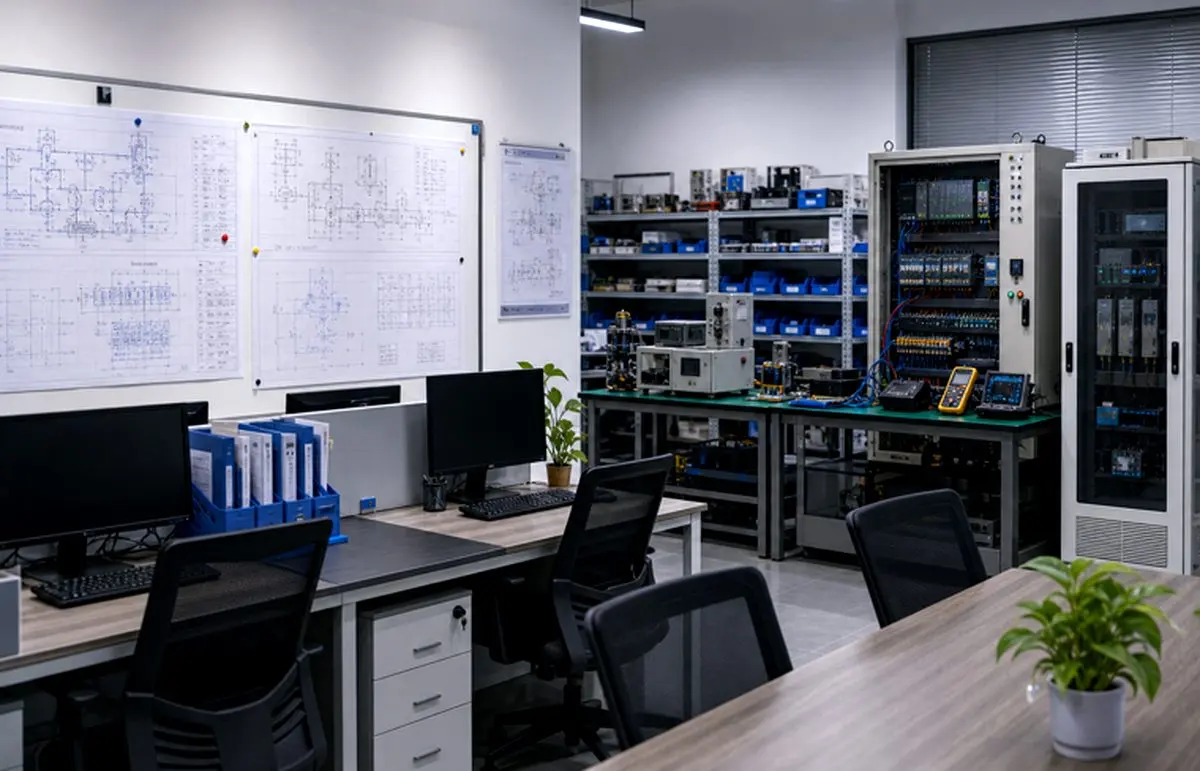
Secure remote access for PLC and SCADA support requires network segmentation, named users, role permissions, time-limited sessions, audit logs and a documented maintenance workflow.
Key Questions
- Which assets can remote users reach?
- Who approves access and for how long?
- How are changes logged and reviewed?
Implementation Path
- 1Terminate remote access in a controlled network zone.
- 2Apply named accounts, roles, approval and session limits.
- 3Log support actions and close the maintenance record.
Related Systems and Entities
Do not expose the control network directly
Remote access should terminate in a controlled zone, not directly on PLCs or SCADA servers. Network segmentation limits what a remote session can reach.
Use identity, permissions and time windows
Users should have named accounts, role-based permissions and approved maintenance windows. Shared accounts and always-on access make audits and incident response difficult.
Log actions and close the workflow
Remote support should produce logs, change records and a closure note. The goal is to leave the plant with a traceable maintenance record.
FAQ
Can vendors access PLCs remotely?
They can when access is approved, segmented, time-limited, logged and restricted to the required assets.
Is VPN alone enough for industrial remote access?
No. VPN is only one component. You still need segmentation, user permissions, logging, change control and operational procedures.
Industrial Software, Remote O&M & Legacy Upgrade
Remote service, SCADA access, smart factory visualization, energy management and practical upgrades for aging control systems.